Getting Started
ahLOOKah runs entirely in the browser — there is nothing to install, and it's completely free and open source.
What you need
- Any modern browser. Chrome is recommended.
- A reasonably capable machine — a gaming laptop or an Apple M-series laptop will feel the smoothest, but any computer works.
- A microphone for audio-reactive visuals (optional) and a camera for video effects (optional).
Tip You can run ahLOOKah straight from ahlookah.com, or self-host it with npm install followed by npm run dev.
First run: connect audio & video
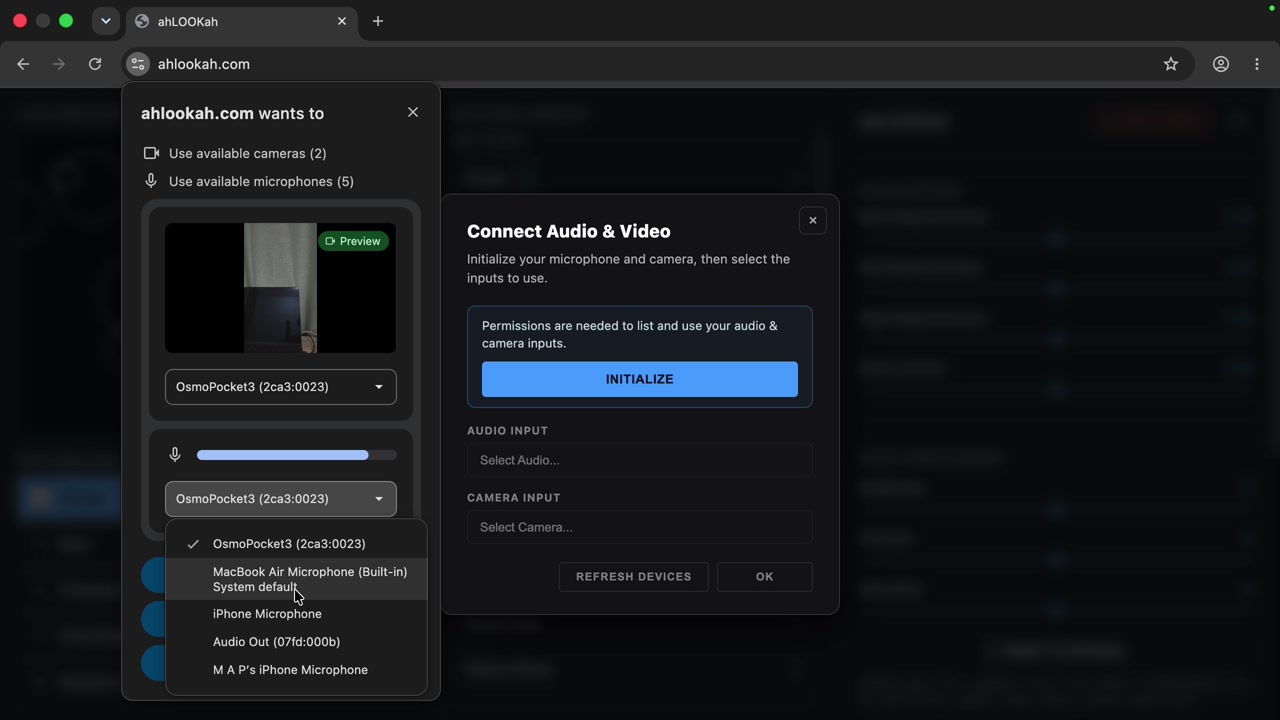
When the app loads for the first time it asks to initialize your microphone and camera. This powers the audio reactivity and the camera-input effects — but it's optional, and you can skip or change it later.
Open the output window
The app opens a control window. Use Open Output to launch the fullscreen screen window — this is the one you put on your projector or second display.