Post-processing
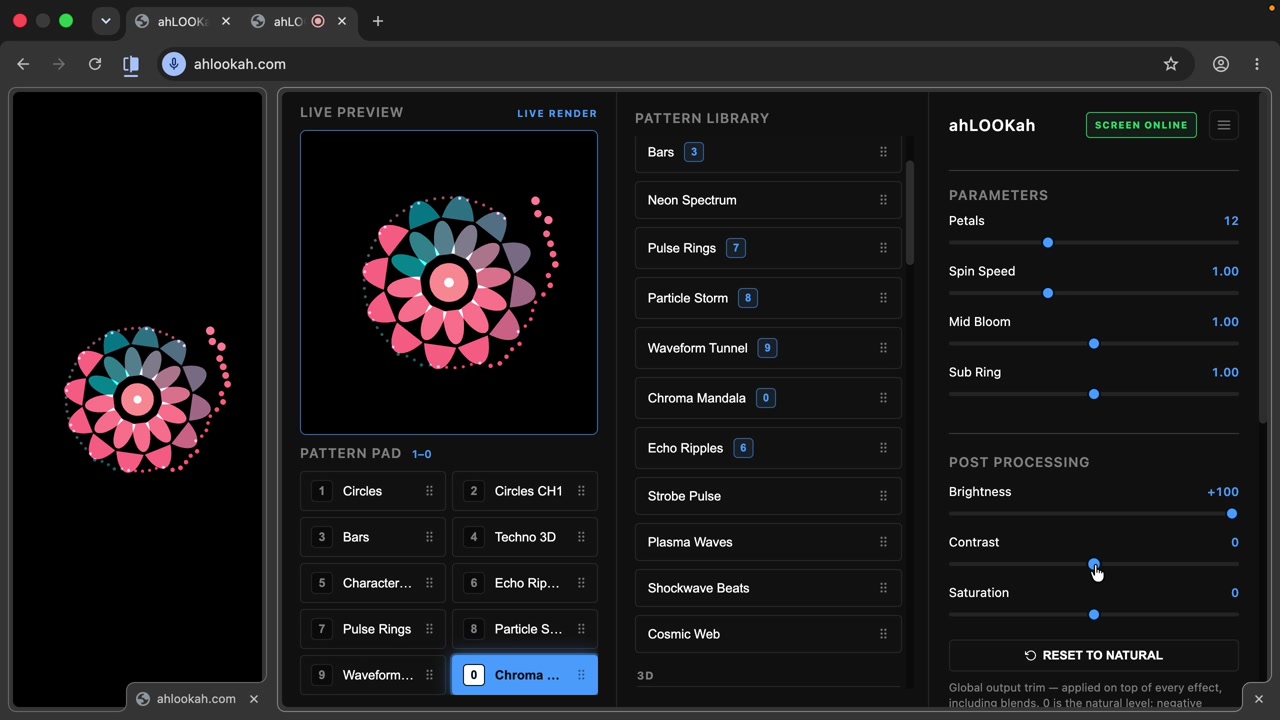
Post-processing is a global trim applied on top of every effect — a final grade for the whole output, regardless of which pattern is playing.
The three controls
- Brightness — lift or dim the overall image.
- Contrast — increase or soften the difference between light and dark.
- Saturation — push colors richer, or pull them back toward grayscale.
Resetting
Went too far? Hit Reset to Natural to snap brightness, contrast, and saturation back to their neutral defaults without touching your pattern selection or parameters.
Note Post-processing is the last link in the chain — it applies after your pattern, blend, and EQ. Use it to match a projector's color, or to give a whole set a consistent look.